Help shape Explorer.
Found a bug? Have a feature in mind? Report issues, share feedback and contribute on GitHub.
 GitHub Download
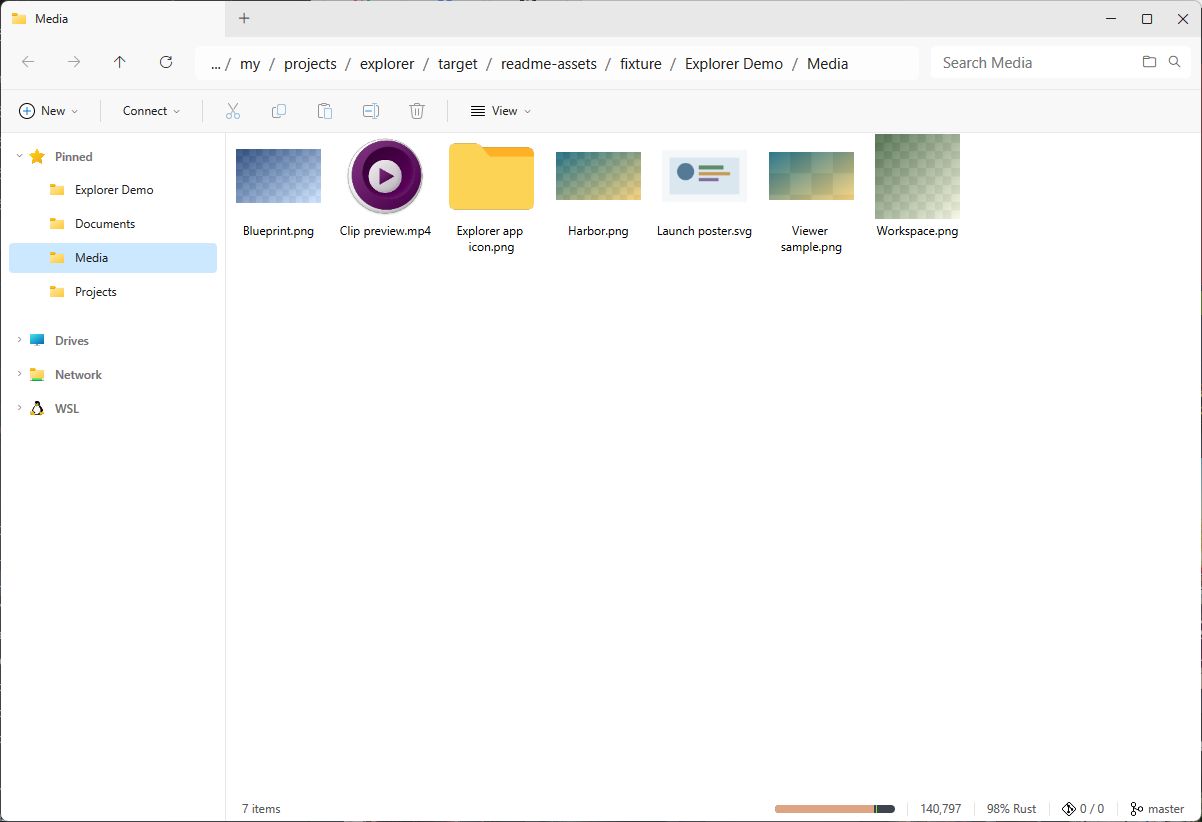
 The familiar file explorer, built in Rust. Tabs, instant previews, fast search and the tools to manage your files. Native, free and open source.
Other platforms and downloadsmacOS · Linux · Windows · Free and open source
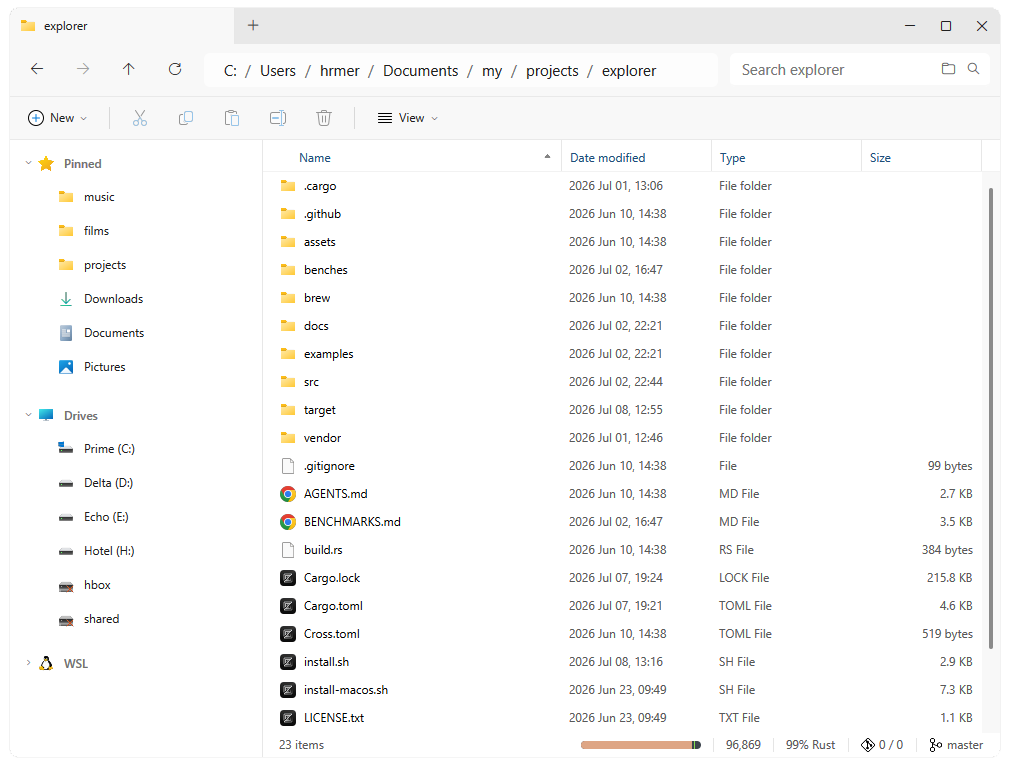
The menus, shortcuts and file interactions you already know. The Windows Explorer experience, wherever you work.
Written in Rust with GPUI. A GPU-accelerated desktop interface, without Electron or a web view.
Keep folders close with tabs and pinned sidebar locations. Move between projects without losing your place.
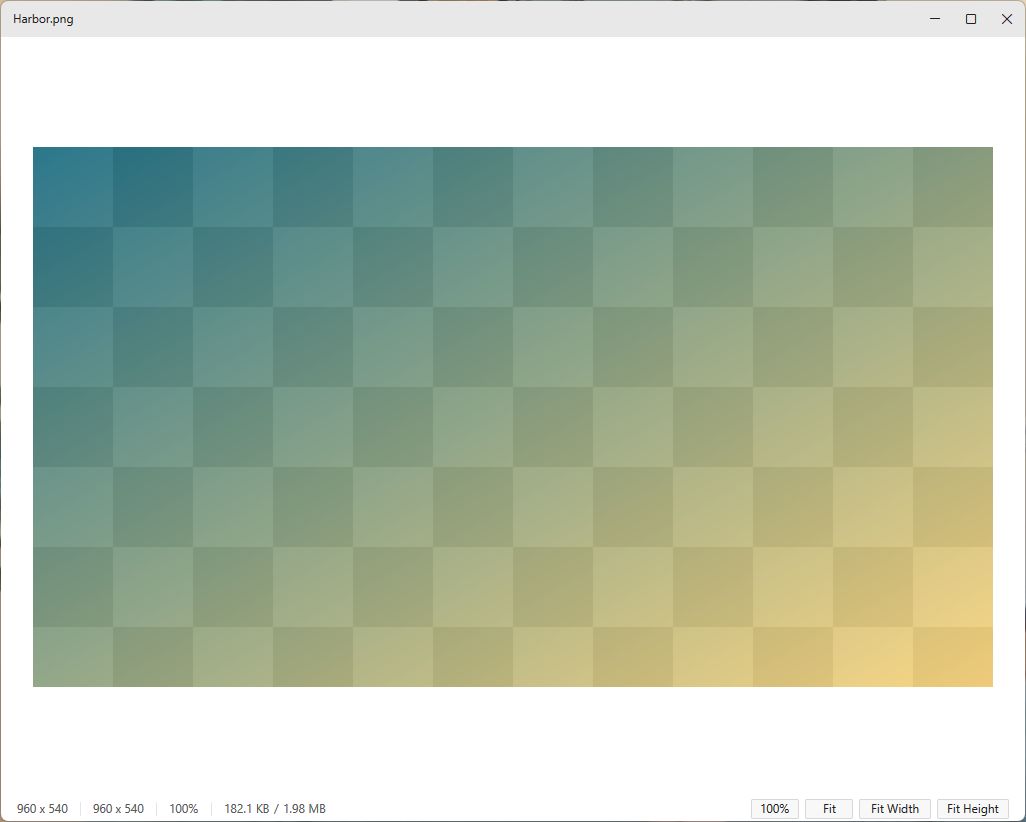
Hold Alt and hover to preview images, videos, PDFs and text. Open images in the built-in viewer.
Type to search the current folder or search through subfolders. No pre-indexing required.
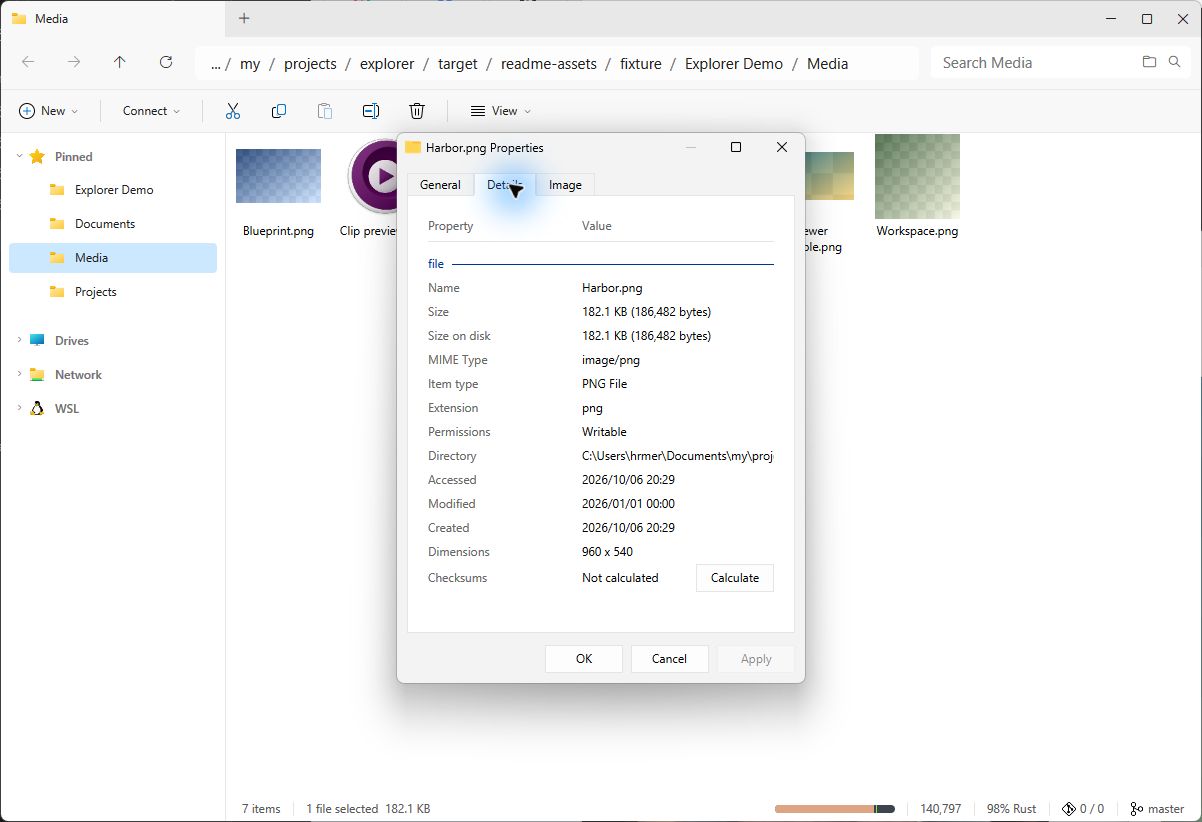
Copy, move, rename and inspect your files. Create ZIPs, extract archives and work with removable storage.
Apple silicon and Intel Macs. Download the ZIP and move Explorer to Applications.
Install with Homebrew
brew install --cask hmerritt/tap/explorerFirst launch may need approval in System Settings → Privacy & Security.
64-bit Windows. Use the installer, or unzip the portable app and run it.
Install with Scoop
scoop bucket add hmerritt https://github.com/hmerritt/scoop-bucket
scoop install hmerritt/explorerWayland and X11. Install with the script, or unpack the archive for your architecture.
Install with Terminal
curl -fsSL https://raw.githubusercontent.com/hmerritt/explorer/master/install.sh | shFree for every platform. Follow the project on GitHub for updates, fixes and new builds.
macOS · Windows · Linux
Install Rust and your platform’s build dependencies, then run:
git clone https://github.com/hmerritt/explorer.git
cd explorer
cargo run --release --lockedFound a bug? Have a feature in mind? Report issues, share feedback and contribute on GitHub.